
- They can either raise the quality and set the tone or completely ruin the viewing experience if it doesn’t match the video tone, and honestly, finding sound effects that match the tone of the video is a big struggle.
- Being a part of a video production team, I know the major impact sound effects have on an entire video.
- Whether you’re a beginner or a professional editor, AI-generated sound effects can help you enhance your videos and deliver a more immersive viewing experience with minimal effort.
Being a part of a video production team, I know the major impact sound effects have on an entire video. They can either raise the quality and set the tone or completely ruin the viewing experience if it doesn’t match the video tone, and honestly, finding sound effects that match the tone of the video is a big struggle. But what if I told you AI can make things easier by generating the audio for you automatically? The only thing you need to do is to enter your requirements. Here’s how you can do it.
In this article, we will talk about how you can create AI sound effects for free so that you can use it in any video.
Ways to Create AI Sound Effects
In this section, we will discuss two easy and practical ways to create AI sound effects, allowing you to generate high-quality audio simply by describing your requirements
Generate Sound Effects Using ElevenLabs
ElevenLabs is a platform that uses AI to turn your ideas into realistic sound effects, text-to-speech (TTS), voice cloning, AI dubbing, and conversational AI agents. Simply enter your requirements and let the AI do the rest.
to generate sound effects, you just need to follow the steps.
1. Open the ElevenLabs.io website.

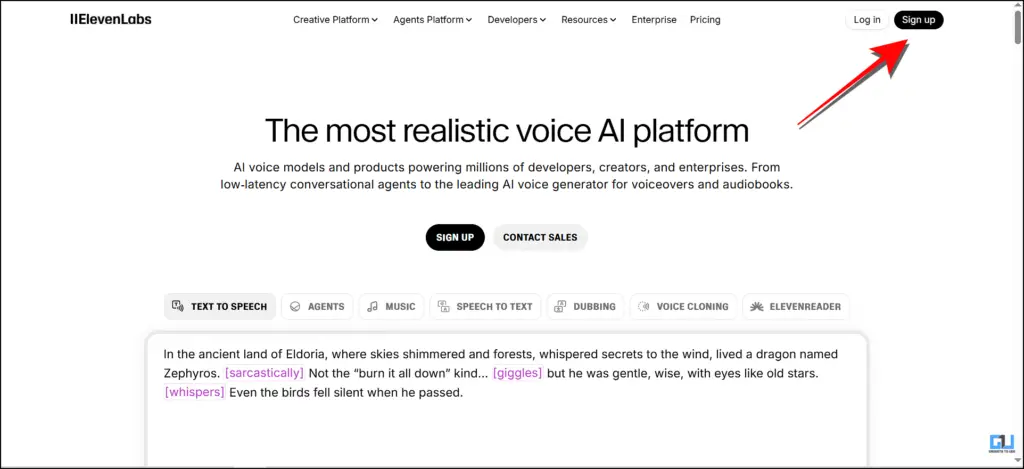
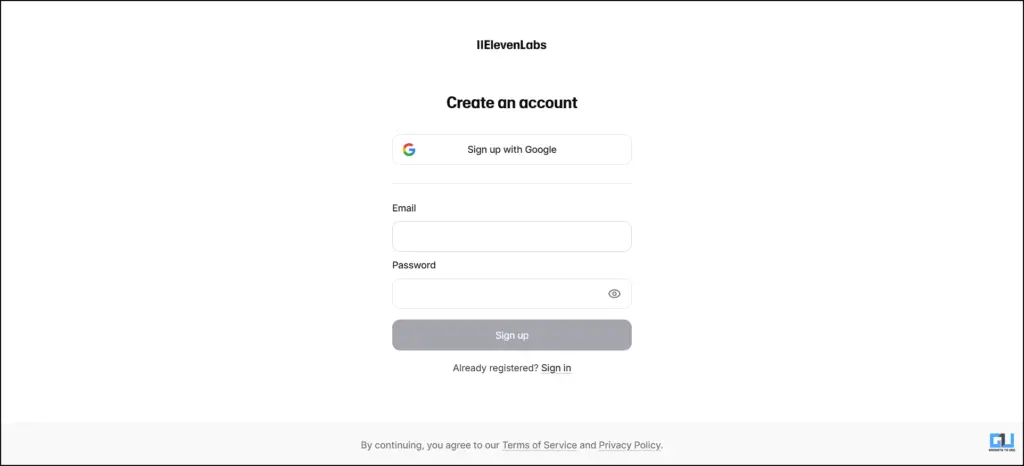
2. Sign up or log in with your Google account.

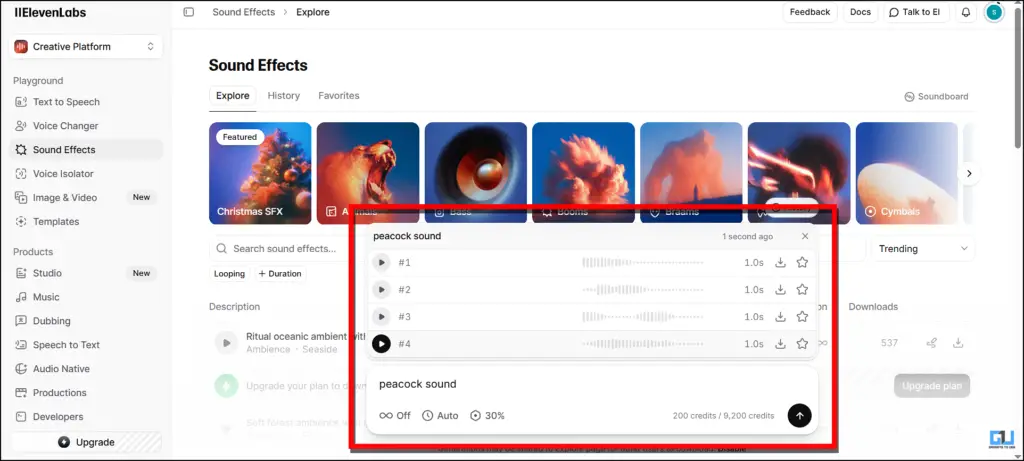
3. Click on “Sound Effects”.


4. Describe your sound effects using a detailed prompt.

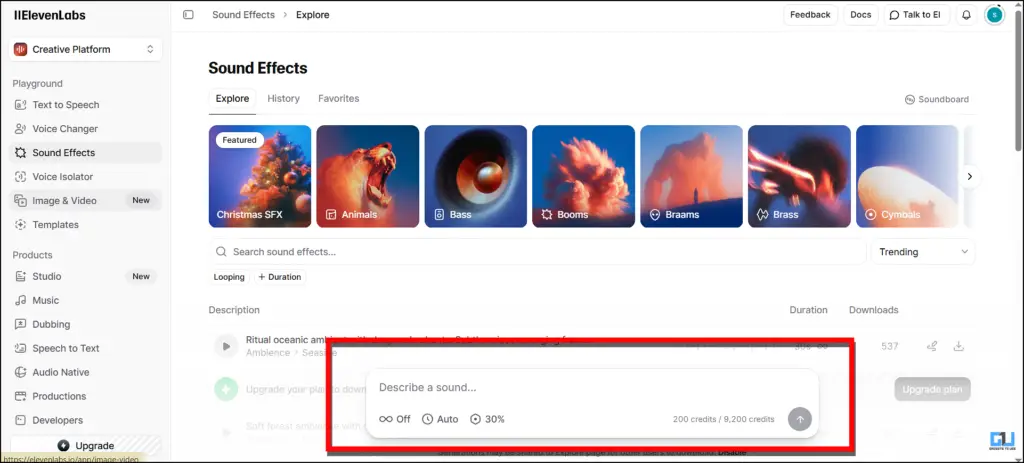
5. It will give you multiple outputs and download the most suitable audio for you.

Create AI Sound With Kling AI
This method works the same as ElevenLabs, but this will bring an extra edge because, apart from sound generation, it will bring features like image and video generation. Kling AI is backed by DeepSeek, which helps in more advanced results. Follow these steps to generate sound effects with this tool:
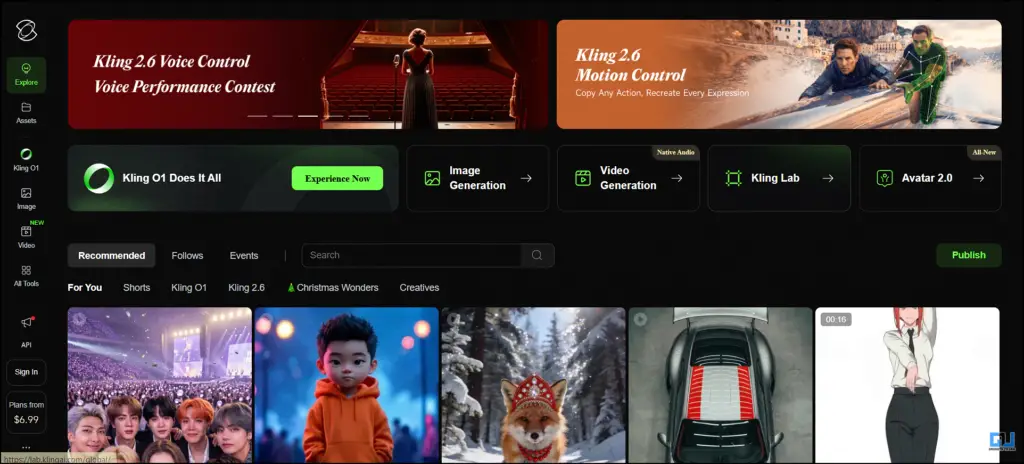
1. Open the KlingAI.com on your computer.
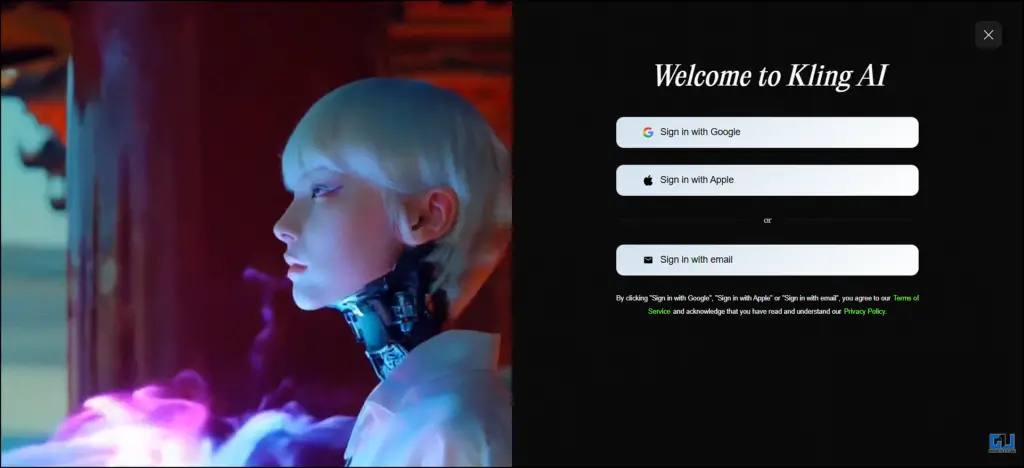
2. Sign up or log in with your Google account.

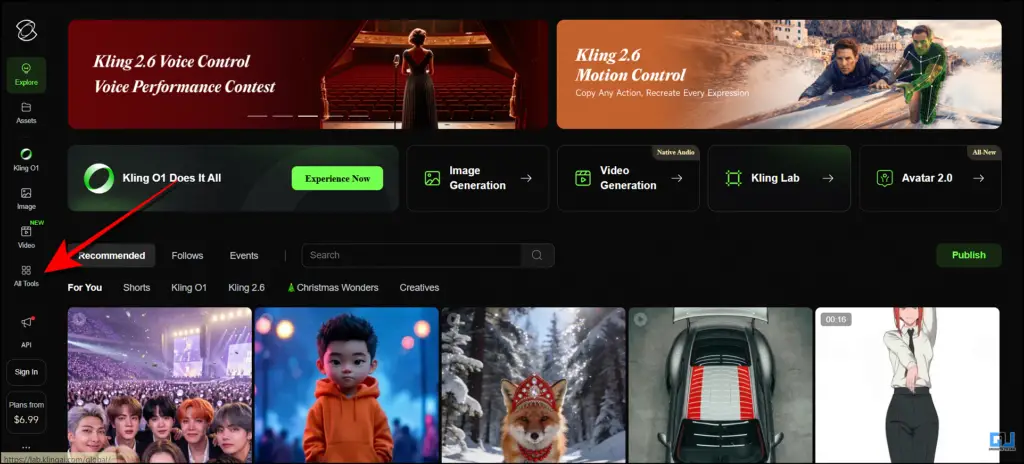
3. Go to “All tools”.
4. Click on the “AI Sound” tab.
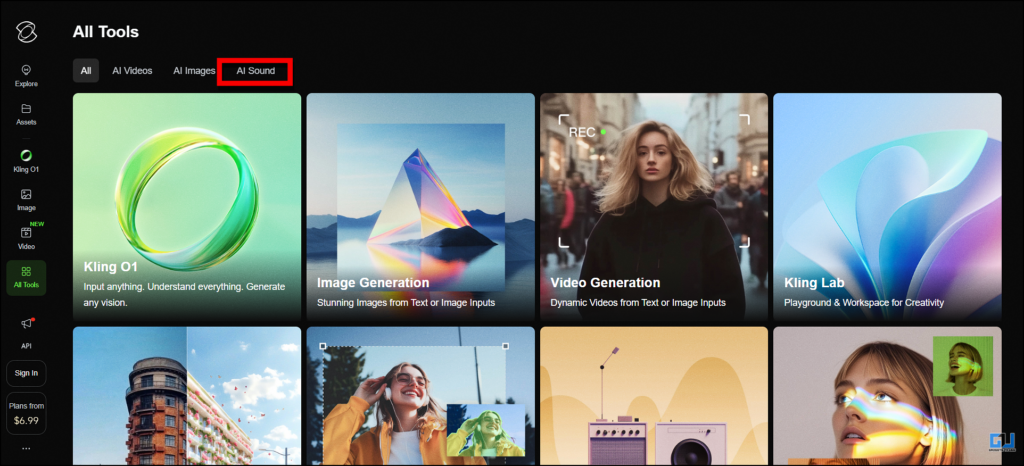
5. Add your text and describe the sound effect, click on “Generate”.

The major drawback of Kling AI is that it is free only for a limited attempts. Once you get over your attempts, then you have to purchase a plan, which starts from 6.99USD per month and goes up to 127.99 USD per month.
Benefits of using AI-generated sound effects
- It saves a lot of time compared to searching sound libraries or online.
- No need for expensive sound recording equipment.
- AI tools can be accessed on any device, such as mobile phones, tablets, etc., to generate audio.
- Helps to match and sync the audio with the context of the video.
- Can be easily customised using simple text prompts, making it beginner friendly.
FAQs
Q. Are AI-generated sound effects free to use?
Many platforms offer free trials or limited usage, but if you want advanced features or extended usage usually require a paid subscription.
Q. Which AI tools are best for generating sound effects?
Popular tools include ElevenLabs for sound effects and voice generation, and Kling AI for audio along with image and video generation.
Wrapping Up
AI-generated sound effects are changing the way creators add audio to their videos. Instead of spending hours searching for the perfect sound effect, you can now generate custom, high-quality audio simply by describing your needs. Tools like ElevenLabs and Kling AI make sound design faster, easier, and more accessible for everyone. Whether you’re a beginner or a professional editor, AI-generated sound effects can help you enhance your videos and deliver a more immersive viewing experience with minimal effort.
You may also like to read:
Have any questions related to our how-to guides, or anything in the world of technology? Check out our new GadgetsToUse AI Chatbot for free, powered by ChatGPT.
You can also follow us for instant tech news at Google News or for tips and tricks, smartphones & gadgets reviews, join the GadgetsToUse Telegram Group, or subscribe to the GadgetsToUse Youtube Channel for the latest review videos.
Was this article helpful?
YesNo