
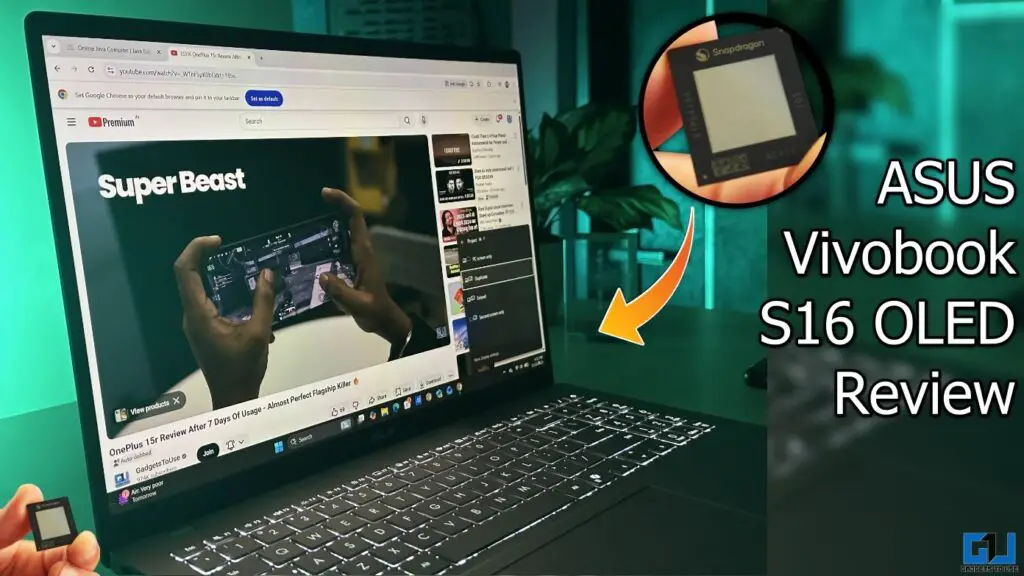
- It leans into battery endurance, a spacious screen, and a lightweight design, a combination that suits well for office usage, students, and normal users.
- The highlight of the device is the ARM-based Qualcomm Snapdragon X chip, instead of the legacy x86-based Intel and AMD processors.
- In a world where laptops often chase raw numbers like bigger core counts and louder cooling systems, there’s something refreshing about a machine that simply focuses on being useful every day.
In a world where laptops often chase raw numbers like bigger core counts and louder cooling systems, there’s something refreshing about a machine that simply focuses on being useful every day. That’s something ASUS has tried with the Vivobook S16 OLED. It leans into battery endurance, a spacious screen, and a lightweight design, a combination that suits well for office usage, students, and normal users.
The highlight of the device is the ARM-based Qualcomm Snapdragon X chip, instead of the legacy x86-based Intel and AMD processors. Qualcomm’s laptop chips have built a reputation for being highly battery efficient while offering impressive on-device AI performance. But is it enough to make it one of the better all-around notebooks? Let’s find out in our full review of the ASUS Vivobook S16 OLED.
Build and Design
From the moment you open the box, the Vivobook S16 feels familiar but well-sorted. ASUS has dialed back any unnecessary frills in favour of a clean, simple aesthetic. It has a smooth lid with a subtle ASUS badge, a slightly textured keyboard deck. At around 1.7 kg, it’s not ultralight but lighter than most conventional 16-inch laptops. It slips into a backpack without making it feel overloaded, an important trait for commuters or students who carry other gear all day.

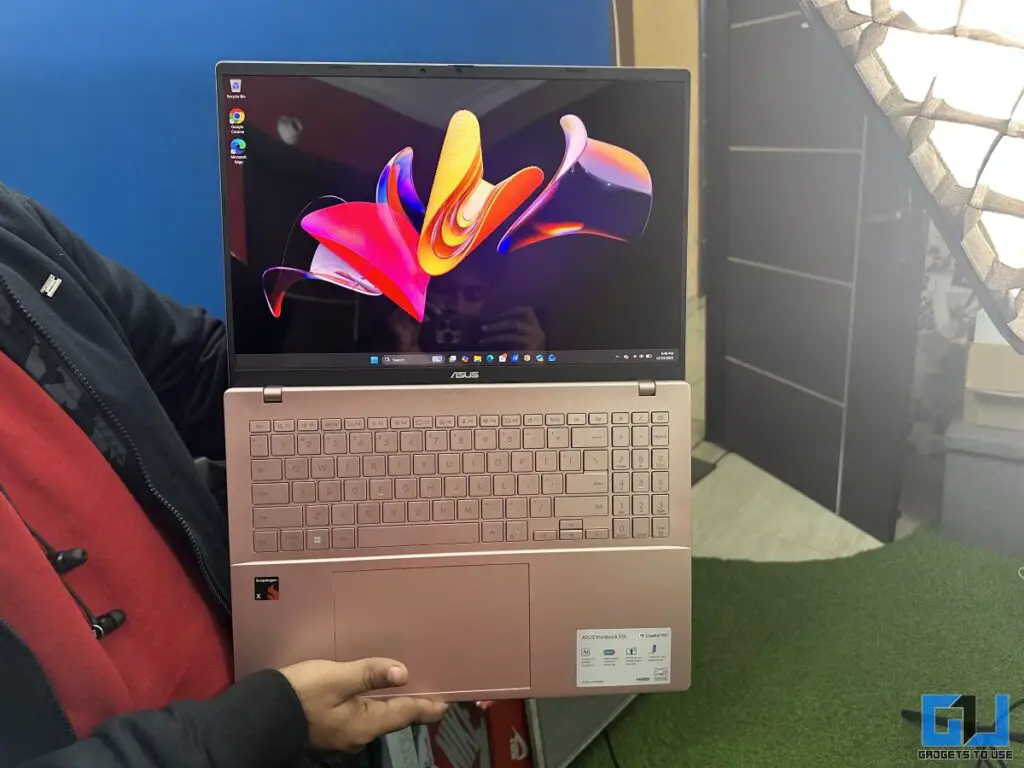
The build quality is better than the price tag would suggest. You don’t get a full unibody aluminium shell like premium Ultrabooks, but the plastics are well-moulded, and flex is minimal in everyday use. The lid opens smoothly with one hand and does not feel loose or flimsy. It’s exactly the kind of design that says “I’m here to work, stream, and travel” without pretending to be a statement piece.
Display
The first thing you notice on the Vivobook S16 is its enormous 16-inch OLED display, which looks absolutely stunning. ASUS has gone with a 16:10 aspect ratio, which I’ve always found more practical than traditional 16:9 for productivity. You get extra vertical space for documents, web pages, timelines, and editing workflows, and on a screen this size, that added room genuinely makes multitasking feel less cramped.
But the real story here is the OLED panel itself. Colours look rich and vibrant without tipping into cartoonish oversaturation, blacks are deep in the way only OLED can manage, and contrast levels give everything from movies to UI elements a bit more visual depth. Whether you are streaming a show, editing photos, or just scrolling through a content-heavy website, the panel feels lively and premium. Brightness holds up well for indoor use and even casual outdoor scenarios, and the overall viewing experience is clearly a step above standard LCDs in this price bracket.

While the 1920 x 1200 resolution doesn’t chase ultra-high pixel densities as seen on premium creator machines, it’s sharp enough that text looks crisp, and media looks detailed at normal viewing distances. Combine that with wide viewing angles and relatively slim bezels, and the display ends up being one of the defining strengths of the Vivobook S16.
Performance
Now let’s talk about the heart of the machine: the Qualcomm Snapdragon X (X1-26-100). This is an ARM-based system-on-chip (SoC) with eight Oryon cores, an integrated Adreno X1-45 GPU, and a Hexagon NPU designed for efficient on-device AI tasks. Qualcomm’s approach here isn’t about chasing peak wattage numbers, it’s about blending efficiency with everyday responsiveness, and that personality comes through clearly in how the Vivobook S16 behaves.
In practical terms, the Snapdragon X handles day-to-day workflows smoothly and without fuss. Tasks like juggling browser tabs, Slack/Teams, documents, PDFs, light photo editing, and frequent video calls are a breeze, and even moderate multitasking doesn’t slow things down.

The Snapdragon X chip can be compared with Intel’s newer Core Ultra 5 225H, which is designed with a similar philosophy: improved efficiency, built-in NPU for AI tasks, and balanced performance for modern notebooks. The Ultra 5 225H typically posts higher overall CPU scores in multi-core benchmarks and benefits from Intel’s mature x86 ecosystem, which can give it an edge in sustained heavy workloads and compatibility with legacy software. In raw multi-threaded performance, Intel’s chip generally pulls ahead, especially in CPU-intensive rendering, compiling, or export tasks.
However, the Snapdragon X counters with impressive power efficiency. Under everyday loads, it runs cool and quiet, and in many light-to-moderate productivity scenarios, the perceived performance gap is smaller than the benchmarks might suggest. For web work, office apps, communication tools, and casual creative tasks, both platforms feel responsive, but the Snapdragon system often does so while sipping less power, which directly translates to longer battery life.
So what does this mean in real use? If your workflow includes heavy video exports, complex 3D rendering, or sustained CPU-bound processing, a Core Ultra 5 225H system may finish those jobs faster. But if your day revolves around meetings, writing, browsing, cloud tools, and occasional creative edits, the Snapdragon X more than keeps pace, while offering cooler operation, quieter acoustics, and significantly better endurance.
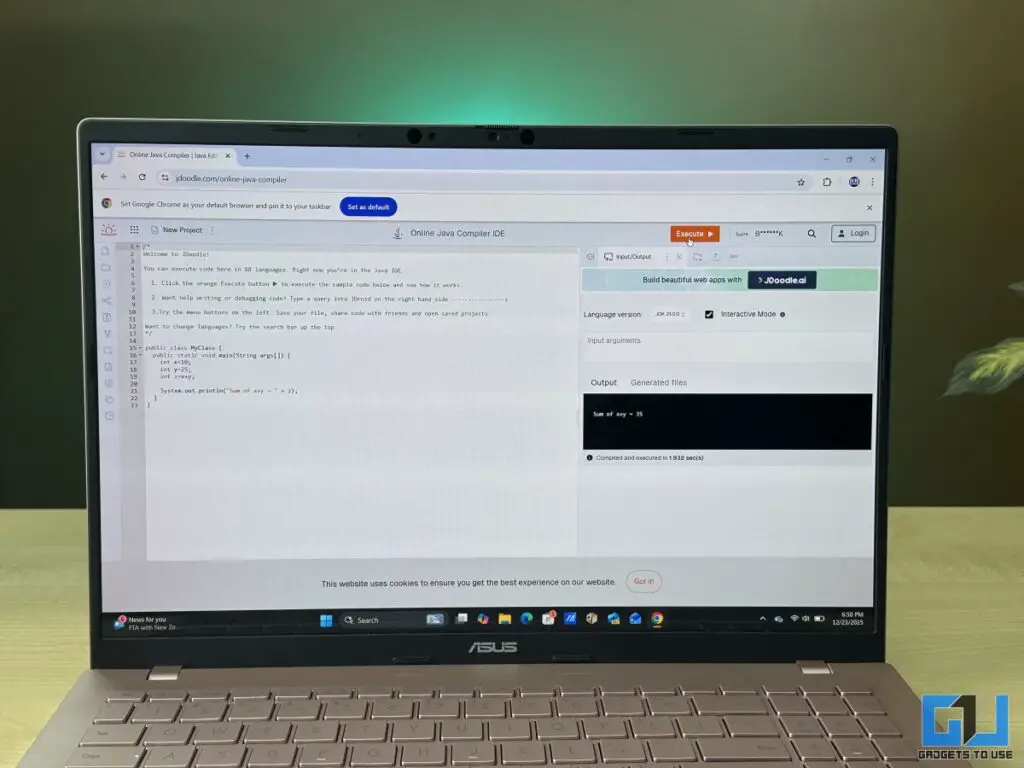
There’s also the software angle. Because this is ARM-based, not every Windows application runs natively yet. The situation has improved dramatically, and mainstream apps like Microsoft 365, Chrome/Edge, Zoom/Teams, and many Adobe tools run well (either natively or via emulation), but certain niche or older enterprise applications may still have compatibility quirks. Intel’s Core Ultra platform has the advantage of broader legacy support here.
In short, Snapdragon X performance lands in a sweet spot: excellent for everyday productivity, communication, and light creative work, with a deliberate trade-off that favours efficiency and battery life over maximum sustained throughput. It behaves less like a mini workstation and more like an all-day, always-ready work companion, and on the Vivobook S16, that balance makes a lot of sense.
Battery Life
Battery life is not just good, it’s one of the defining traits of the Vivobook S16. On a full charge, I could easily get around 10 hours of usage, which included writing long documents, replying to emails, some video scrolling, and occasional photo editing. With heavy usage like video editing in Premiere, the usable time is around 4-5 hours, which is impressive for a laptop of this size.
That endurance comes from the Snapdragon X’s efficient architecture and a large 70Wh battery pack. The battery drain during sleep is also minimal, and the Vivobook S16 feels like it is made to run long marathons. For anyone who works away from desks, like students, journalists, hybrid office workers, or casual creatives, this kind of battery life is not just a nice-to-have, it’s genuinely transformational.
Keyboard and Trackpad
If there’s one pair of features that defines a “real-world laptop”, it’s the keyboard and trackpad. Happily, ASUS didn’t skimp here. The keyboard offers good key travel and tactile feedbac which is well-suited for long typing sessions when your are drafting documents, responding to emails, or logging spreadsheets. Keycaps are well-spaced, and the layout stays familiar, which means less cognitive overhead when you switch between machines.
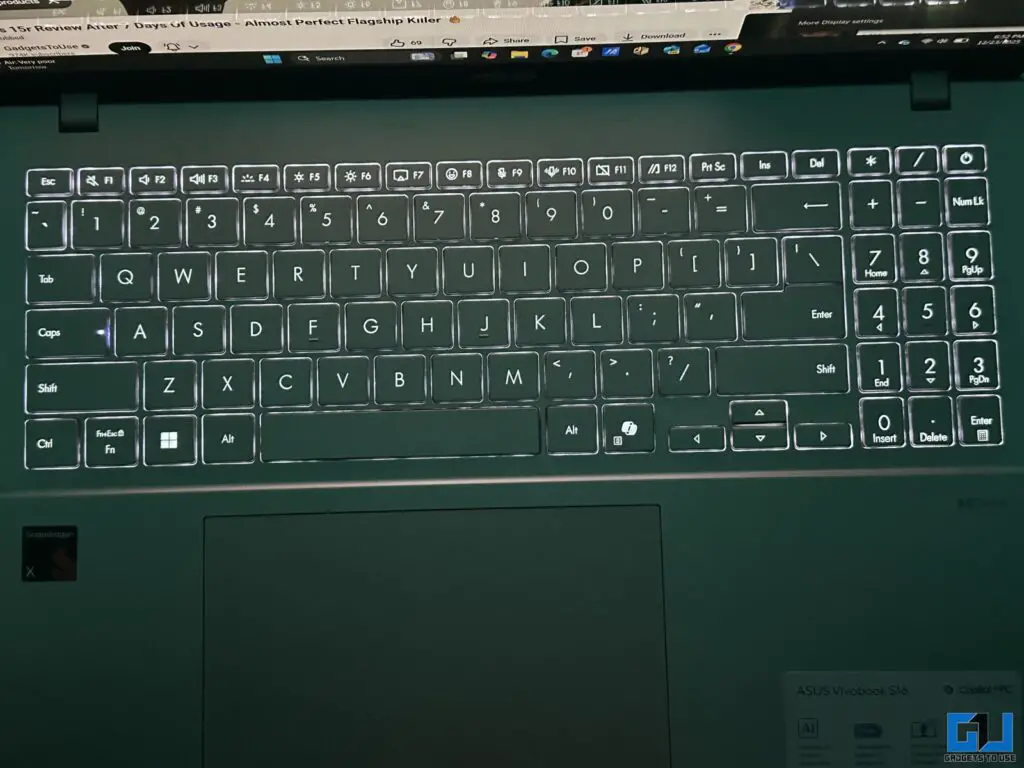
The trackpad is generously sized, very smooth, and accurate. Windows gestures like three-finger swipes for task view, pinch-to-zoom, etc., all behave as expected. There’s no awkward jumping or stuttering, and palm rejection feels solid. For everyday navigation and productivity, this is exactly where you want to be.
Verdict
The ASUS Vivobook S16 OLED gets the fundamentals right in a way that genuinely improves everyday use. You get a well-built chassis that feels dependable, an excellent OLED display that adds richness and depth to everything on screen, smooth real-world performance from the Snapdragon X platform, and standout battery life that comfortably outlasts most traditional x86 laptops in similar use. At Rs 65,990, that combination makes it a very practical large-screen notebook for work, study, and entertainment without constantly worrying about the charger.
The trade-offs are mostly predictable. The display, while visually impressive thanks to OLED, isn’t the highest resolution in its class, which may matter to pixel-peepers. Being ARM-based, there’s still the possibility of app compatibility quirks with certain niche or legacy Windows software. And in this price range, competition from efficient Intel Core Ultra chips means buyers focused on broader software support or slightly stronger sustained CPU performance may consider those options too. Still, for users prioritising display quality, thermals, and battery endurance, this Vivobook makes a strong everyday case.
You may also like to read:
Have any questions related to our how-to guides, or anything in the world of technology? Check out our new GadgetsToUse AI Chatbot for free, powered by ChatGPT.
You can also follow us for instant tech news at Google News or for tips and tricks, smartphones & gadgets reviews, join the GadgetsToUse Telegram Group, or subscribe to the GadgetsToUse Youtube Channel for the latest review videos.
Was this article helpful?
YesNo